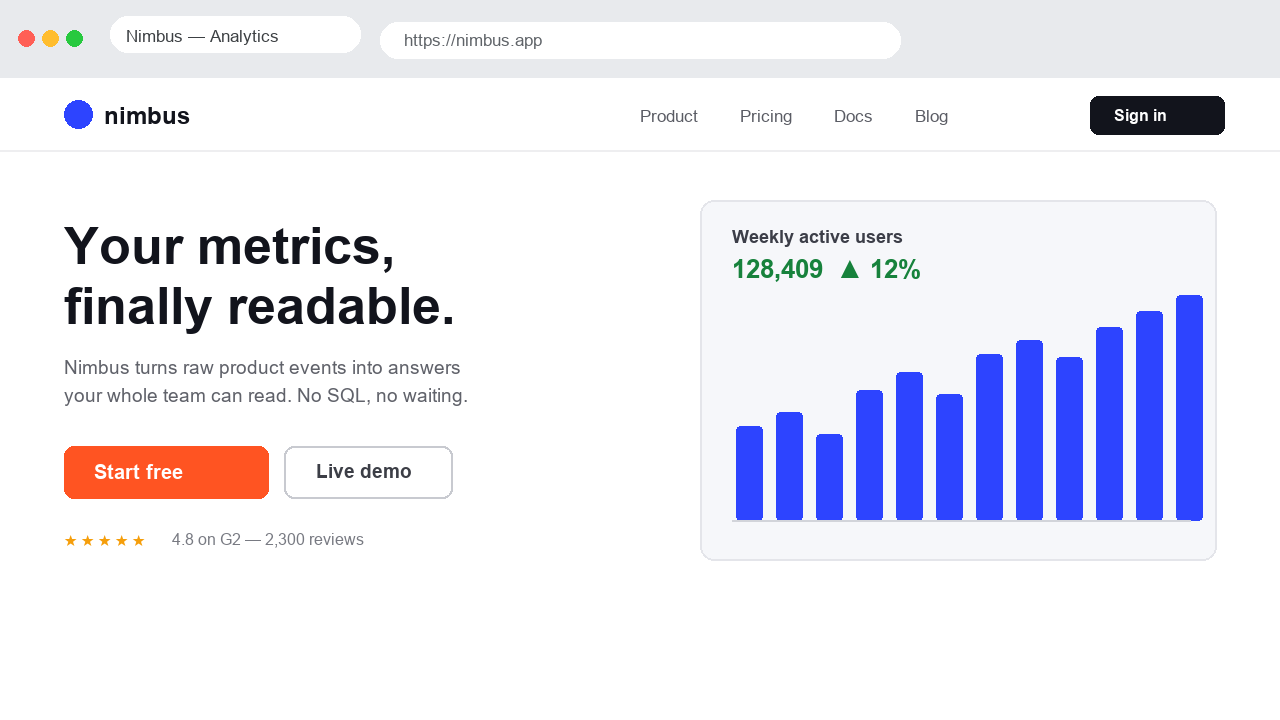
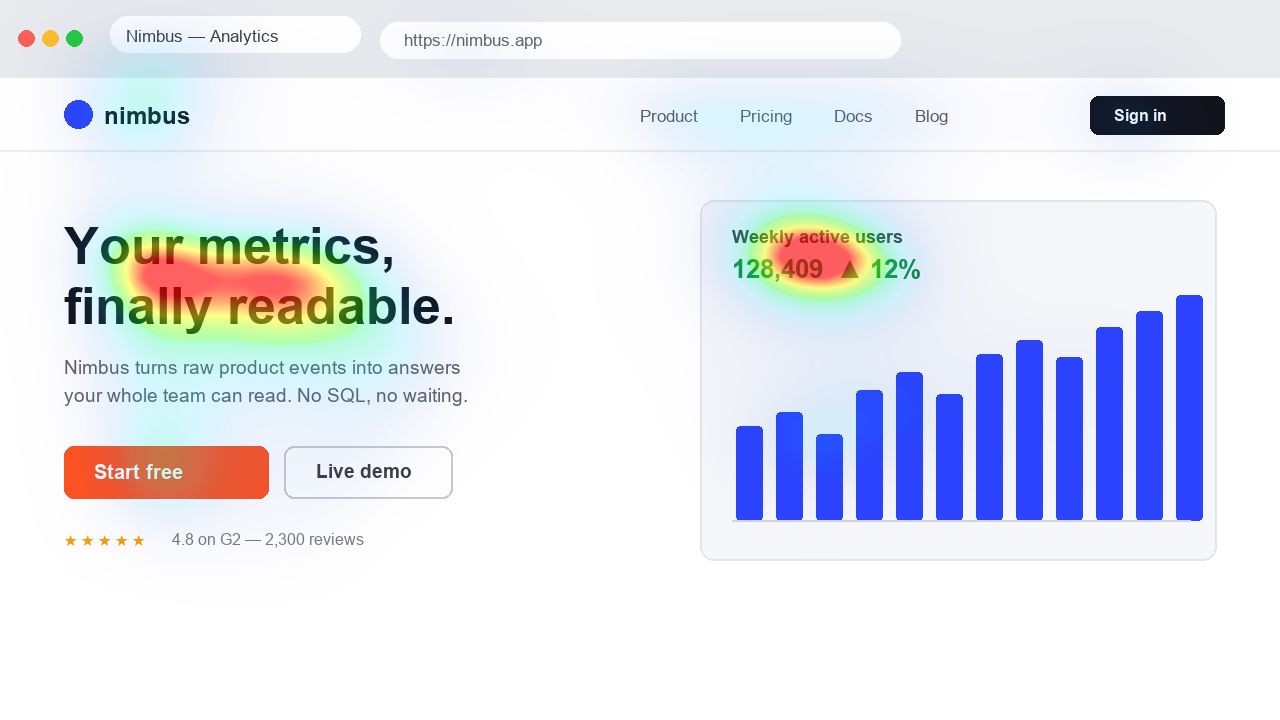
A review on the page you are working on
Open a website, activate the extension and read the capture notice. The extension captures the visible part of that tab and sends it to Heatpoints to calculate the map. The overlay returns to the page, so you can compare it with the original layout.
After a scroll or resize, pause to let the next capture and prediction complete. This is an updated series of image predictions, not eye tracking or a guaranteed real-time video frame rate.
- Open the page in Chrome and activate Heatpoints.
- Start capture after reviewing the notice.
- Inspect the overlay, then scroll and pause for the next view.
- Turn the overlay off to recheck the original, and stop capture when finished.
Useful behind a login, with care
The capture uses the page already rendered in your tab. It can therefore review a signed-in page or a draft that a remote URL scanner could not open. It also captures any private information visible in that area.
Chrome restricts capture on some internal pages. A change caused only by hovering or animation does not guarantee a matching fresh prediction. For a repeatable comparison, capture static variants at the same size.
References: Capture tutorial and troubleshooting
What you see in the demo
The scrolling demonstration above illustrates the extension workflow. It is not a live recording of your browser or evidence of visitor behaviour. Use the installed extension to analyse the page you choose.
Access and privacy
Initial scans precede email verification. After those trials, the extension asks for an email code. Usage limits and server availability apply. Captures are processed on the server, not entirely on your device.
Check the visible content and the privacy policy before analysing a confidential page. Prediction does not measure real clicks, reading order or conversion.
References: Privacy policy · Current access conditions