The workflow available today
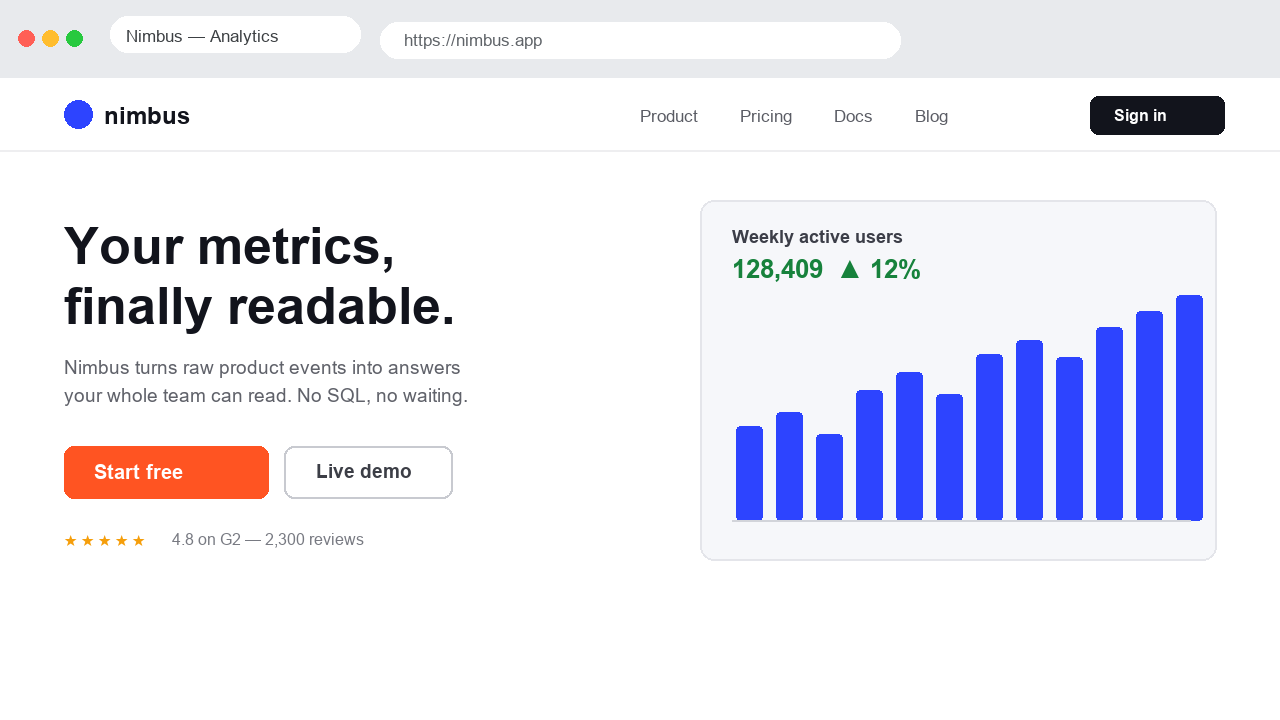
Export the frame in the same composition someone will see. Include its background and final text. Do not include unrelated frames, annotations or editor controls in the image.
- Select your frame in Figma and export a PNG or JPEG.
- Upload the export to the image heatmap generator.
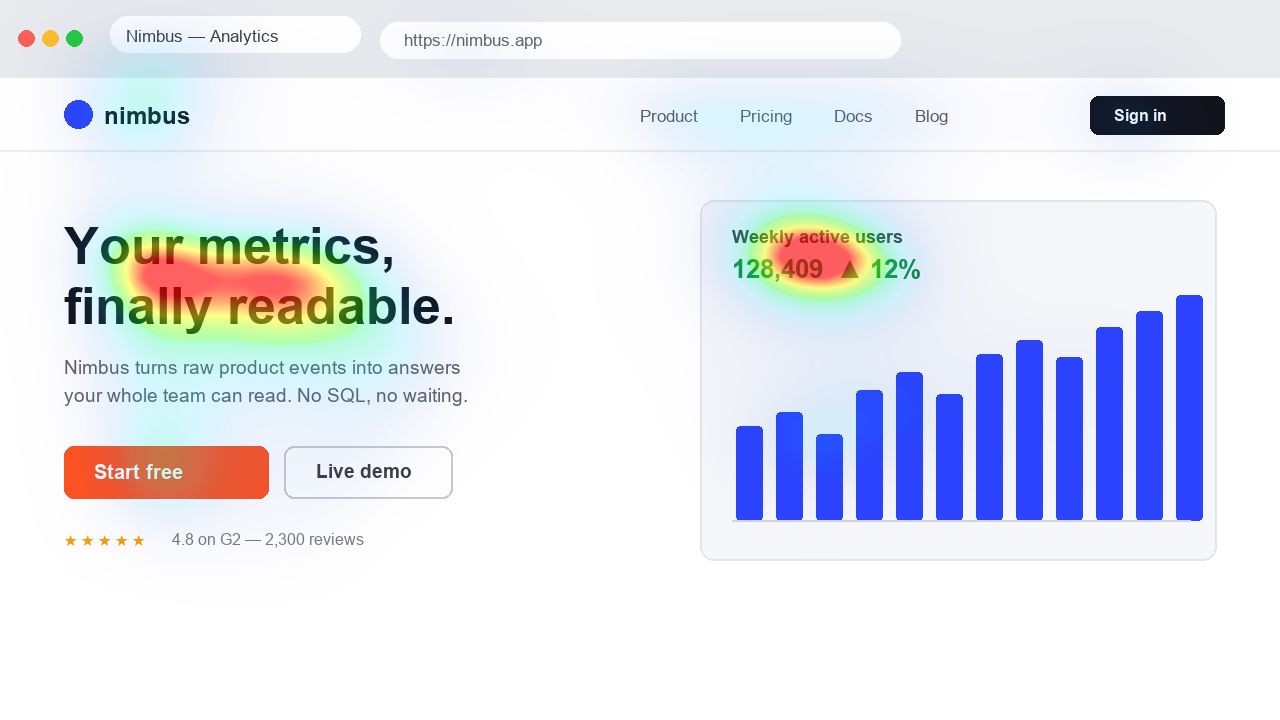
- Inspect the original and predicted map together.
- Export a revision at the same dimensions and compare the variants.
What the prediction does not inspect
Heatpoints analyses pixels. It does not read Figma layers, understand component properties or test prototype interactions. It cannot establish whether a flow is understandable or accessible.
Use the map to identify visual competition, then test the prototype with relevant users. Once implemented, the Chrome extension can review the actual page rendering.
References: Figma tutorial · Review in Chrome
Plugin status
There is currently no Heatpoints plugin installation link. This page describes the export workaround and will be updated when a public plugin is available. We do not promise a release date.